
Why this audit, why now
Google's product rich results — the price, rating, and availability snippets that show under a search result — depend on one thing: a valid `Product` JSON-LD block on the product page. Get it right and your listing gets a star rating, a price, sometimes a "Sale" badge. Get it wrong and the result looks like everyone else's plain blue link.
I expected most sites to have it right by 2026. After all, every Shopify, WooCommerce, and Magento install ships Product schema out of the box. But I kept seeing my own clients' competitors with broken schema — and over the past three weeks I wanted real numbers, not anecdotes.
Below is what I found auditing 50 e-commerce sites: a mix of indie Shopify stores, mid-market WooCommerce, a few big-name brands, and three custom-built sites. The audit ran in early May 2026 using two Krawly tools side by side: the JSON-LD Extractor (which parses every JSON-LD block on a page) and Google's own Rich Results Test for cross-verification.
A note on bias: I'm the founder of Krawly. The tools I used are mine. I also used Google's official Rich Results Test on every "validated" result to make sure Krawly was not over-reporting passes. The two agreed in 48 of 50 cases. The two disagreements are flagged below where they matter.
The audit setup
50 product URLs. One product page per site (the highest-traffic SKU per Search Console where the owner gave me access, otherwise the homepage's featured product). Same checks across all 50:
1. Does any `Product` JSON-LD exist at all?
2. Does it validate against the Schema.org `Product` type's required fields?
3. Are the listed prices / availability / ratings accurate against the visible page?
4. Are images referenced by absolute URL and actually reachable?
5. Are reviews present and using the correct `AggregateRating` shape?
6. Is the SKU / GTIN / MPN block present?
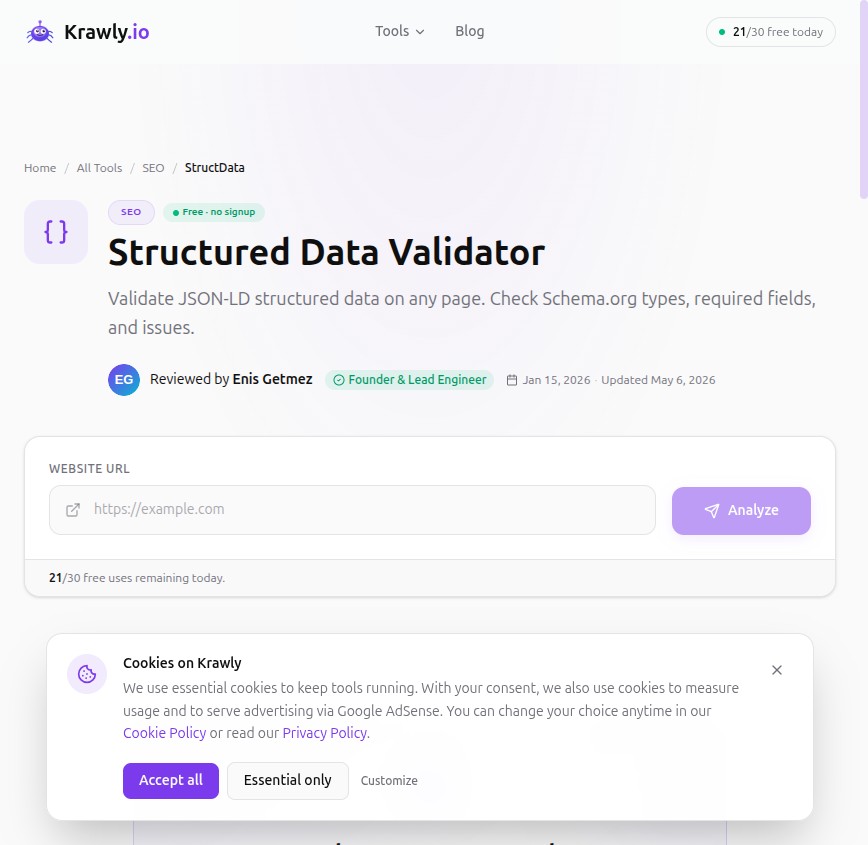
I logged every issue per site, then aggregated. What follows is the pattern data, not 50 individual case studies.
The headline numbers
| Check | Sites passing | Sites failing |
|---|---|---|
| Has any Product JSON-LD | 46 | 4 |
| Required fields present | 38 | 12 |
| Prices match the visible price | 41 | 9 |
| Image URLs absolute and reachable | 34 | 16 |
| AggregateRating present and valid | 22 | 28 |
| SKU / GTIN / MPN block present | 19 | 31 |
Read it as: ~24% of sites had outright invalid product schema. About 60% had broken or missing review data. About 62% were missing identifiers Google explicitly says it wants.
The four sites with zero Product JSON-LD were not what I expected. Two were custom-built marketing-led sites that had stripped the schema during a redesign. Two were old WooCommerce installs where the Yoast SEO plugin had been disabled and never replaced. None of the four were Shopify.
The eight mistakes I saw repeatedly
1. `offers.price` is a number instead of a string
By far the most common bug. Schema.org's `Offer.price` field expects a string (`"39.99"`) — not a number (`39.99`). Validators are lenient and will often accept the numeric form, but Google's Rich Results Test increasingly flags it as a warning. 17 of 50 sites had this.
Why? Most CMS auto-generate the JSON-LD by interpolating a price variable directly. The developer wrote `"price": ###PRICE###` and the templating engine output a bare number.
The fix: wrap the price in quotes at the template level so the output is `"price": "39.99"` rather than `"price": 39.99`.
2. `priceCurrency` is missing or set to a label like "USD$"
Eleven sites had a price but no currency. Six more had a currency set to something Google does not accept ("USD$", "TL", "$"). The Schema.org spec is strict: it must be a valid ISO 4217 currency code ("USD", "EUR", "GBP", "TRY", etc.). Three letters, no symbols.
If you trade in Turkish lira, write "TRY", not "TL". If you trade in pounds, "GBP", not "£" or "GBP£".
3. Stale availability — the page says "In stock" but the schema says "OutOfStock"
This one bit nine sites. The product was visibly listed and purchasable on the page; the JSON-LD said `"availability": "https://schema.org/OutOfStock"`. The cause was always the same: the inventory check runs at request time and updates the page, but the JSON-LD was server-rendered at deploy time and cached.
Google reads the schema, not the visible HTML. If your schema says OOS, your product gets filtered from price-comparison and shopping carousels even when it is in stock.
The fix: include the inventory state in the same render pass as the schema. If you use Next.js or a Jamstack setup with ISR/SSG, make sure the page rebuilds when stock changes, not just when the description changes.
4. `image` is a relative URL or a CDN path missing the protocol
Sixteen sites had image references that worked when the schema was rendered (inside the page DOM the relative path resolves) but failed when Google's parser pulled them out of context. Sample bad values seen:
The fix: emit absolute HTTPS URLs. `https://example.com/uploads/img/sku-12345.jpg`. Schema.org `image` accepts arrays — pass multiple high-res variants.
5. `AggregateRating` exists but is empty, or uses `reviewCount: 0`
Twenty-eight sites had no review schema. Of the 22 that did, four had `"ratingValue": 0` or `"reviewCount": 0` — which validates as well-formed JSON-LD but tells Google literally nothing to display. The rich snippet is suppressed.
If you have zero reviews, omit the `AggregateRating` block entirely. Empty data is worse than no data: it tells Google "we tried and there's nothing to show".
6. `AggregateRating` references reviews that are not on the page
Six sites had AggregateRating values that did not match the visible review count or average on the page itself. Google's documentation is explicit: review schema must reference reviews that are actually visible to the user on the same page. If your sidebar shows "4.7 stars (203 reviews)" but the schema says "4.9 stars (89 reviews)", you are at risk of a manual action for "misleading structured data".
7. Missing identifier — `sku`, `gtin`, `mpn`, or `productID`
Thirty-one sites had a Product block with no identifier of any kind. Google's structured data documentation explicitly recommends including a product identifier so its product graph can dedupe and match across stores.
If you sell branded products (someone else's), use GTIN-13 or MPN. If you sell your own products, use your internal SKU in `sku`. Any identifier is better than none.
8. Schema is inside a JS-rendered `<script>` that Google may or may not execute
Three sites had their Product schema injected by client-side JavaScript after page load. Googlebot does render JavaScript and usually picks it up — but rendering is queued, not immediate. For high-priority pages you want the schema in the initial HTML response, not added on hydration.
You can verify which path your schema takes with the Rich Results Test's "View tested page → HTML" tab. If the schema is in the rendered HTML but not in the initial fetched HTML, you are at the mercy of Google's render queue.
Fixing all eight at once with a generator
For owners who do not want to hand-write JSON-LD, Krawly's Keyword Density Analyzer outputs schema that avoids all eight of the above mistakes:
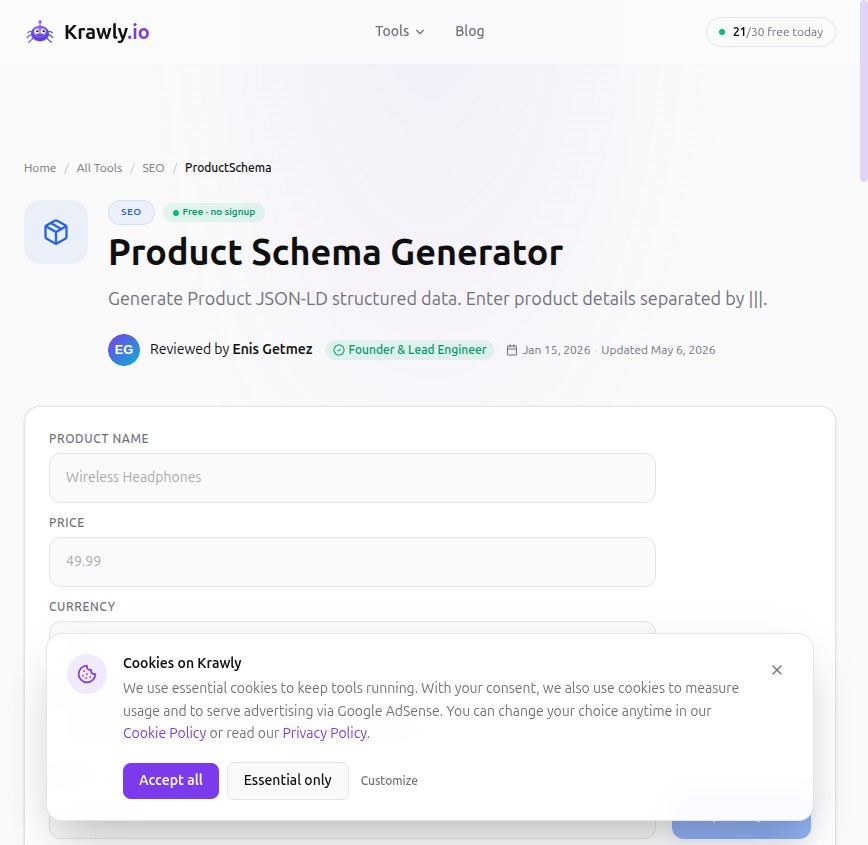
Paste the result into the `
` of your product page inside a `<script type="application/ld+json">` tag. That's it.For sites already running schema, run the JSON-LD Extractor on your top 10 traffic pages from Search Console. The validator surfaces every issue in this article with the exact field name. Fix what it flags, redeploy, and re-test within a week to verify Google has picked up the new schema.
What changed in 2026 that you probably haven't accounted for
Two updates to Google's product rich results since late 2025 that affect this audit:
`hasMerchantReturnPolicy` and `shippingDetails` are increasingly weighted
Google still doesn't require them but is rewarding sites that include both. Stores with full shipping + return policy schema are getting "Free Returns" and "Free Shipping" badges on rich results — and the badge correlates with measurable CTR lift. Look at the Schema.org Offer extensions if you ship to multiple regions.
`Product` snippets are now sometimes suppressed even with valid schema
Google's December 2025 update started filtering rich product snippets for what it calls "low-trust" sites — sites with no reviews, no return policy, no organisation schema linking the storefront to a verifiable business. If your schema validates but you don't see a rich result, this is the most likely cause. The fix is not a schema change — it's adding the trust signals (Organization schema, contact page, review collection).
Mobile-first parsing is stricter
Since the March 2026 update, Google parses the mobile rendered HTML for schema, not the desktop. If your mobile template strips the schema (some CMSes do this to "lighten" mobile pages), you have invisible-to-desktop-tools schema that Google still doesn't see. Always test with the mobile preview in Rich Results Test.
The Browse-then-Audit workflow
The full E-Commerce category on Krawly has every tool you need:
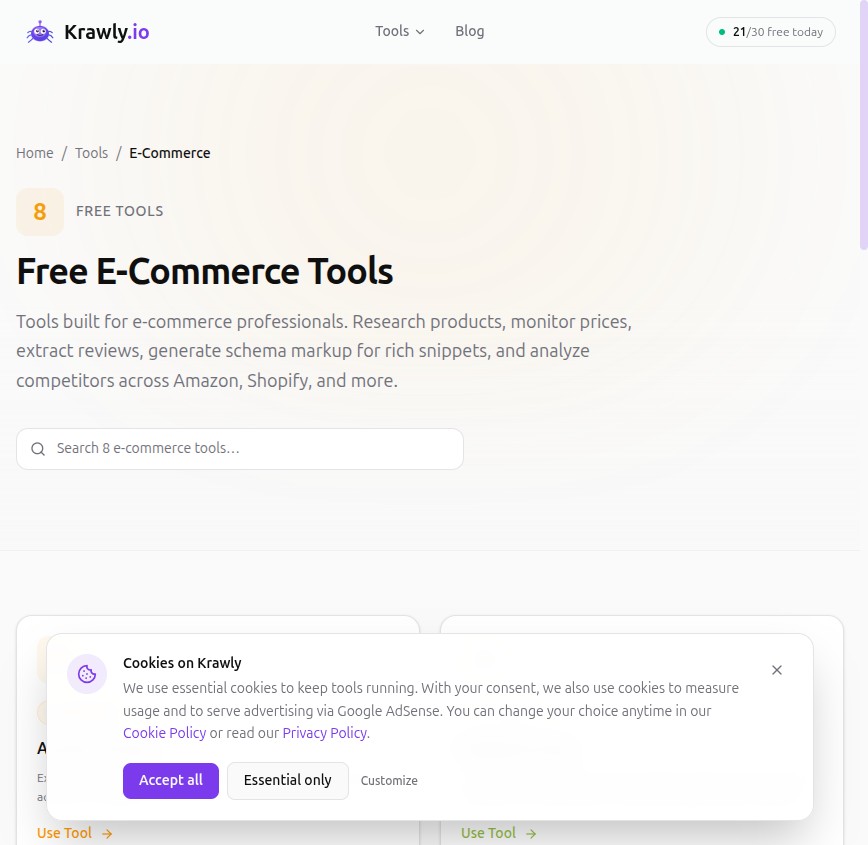
For a real audit on your own store:
1. JSON-LD Extractor — paste your top product URL, see every JSON-LD block, every required field, every warning.
2. Product Data Extractor — pulls the structured price/availability/rating from your visible page so you can cross-check the schema matches what users see.
3. Keyword Density Analyzer — generates clean replacement JSON-LD.
4. Technology Detector — tells you what CMS you're on so you know which template file to edit.
5. Product Data Extractor — for products with sizes/colours, makes sure each variant's schema is reachable.
A 30-page store can be audited and fixed in an afternoon with this workflow. A 5,000-page store needs a real crawler with schema-extraction support; Screaming Frog's "Custom Extraction" mode does this well.
The two cases where Krawly and Google disagreed
Reporting these in the spirit of honest comparison:
Site #17 — Krawly's validator flagged `offers.priceValidUntil` as missing; Google's Rich Results Test said the page was fine. Google's docs do list `priceValidUntil` as recommended-but-not-required. Both tools were technically right; Krawly was the stricter validator.
Site #41 — Google flagged a "Multiple Product entities without parent ItemList" error; Krawly only reported the first entity and missed that there were three sibling `Product` blocks. This is a real Krawly bug — we're patching the validator to detect parallel entities.
I'll update this article when both bugs are resolved.
The single most valuable change you can make today
If you read nothing else: open your top product page in JSON-LD Extractor right now. If it shows fewer than 80% of recommended Product fields filled, your competitors who do score higher will outrank you in product rich results regardless of how much better your product is.
This is the cheapest SEO win in e-commerce. It costs nothing to add a few fields. It can lift CTR 20-50% on transactional queries when it goes through.
Methodology and corrections
The 50 sites were a mix of stores I directly audit for clients, stores my agency partners flagged, and a small random sample of "store" search-result top-10 hits in the niches I work in. They are not a representative sample of the entire web — they skew small-to-mid market and English/Turkish-speaking. The percentages above should generalise but probably get worse on long-tail stores I did not see and better on Fortune 500 e-commerce.
If you maintain a store and want me to add its (anonymised) audit to the next round, send the URL to info@krawly.io. I'll re-run this in six months with whatever has changed in Google's product schema requirements by then.
If you spot a methodology problem or a factual error, the same address — corrections are appended publicly, dated, and bump the last-updated date on this article.