
The most common reason your share preview is wrong
You shared a link to your blog post on LinkedIn. The preview shows your homepage title and a logo from 2019. You shared the same link on WhatsApp — different title, different image. You shared it on Twitter/X — no image at all.
In about 80% of the cases I've debugged, the cause is the same: each platform has its own cache, and each one was looking at your page at a different time. Fix the page, force-refresh each platform's cache, problem solved. The remaining 20% are real bugs in your Open Graph markup — and that's what this checklist is for.
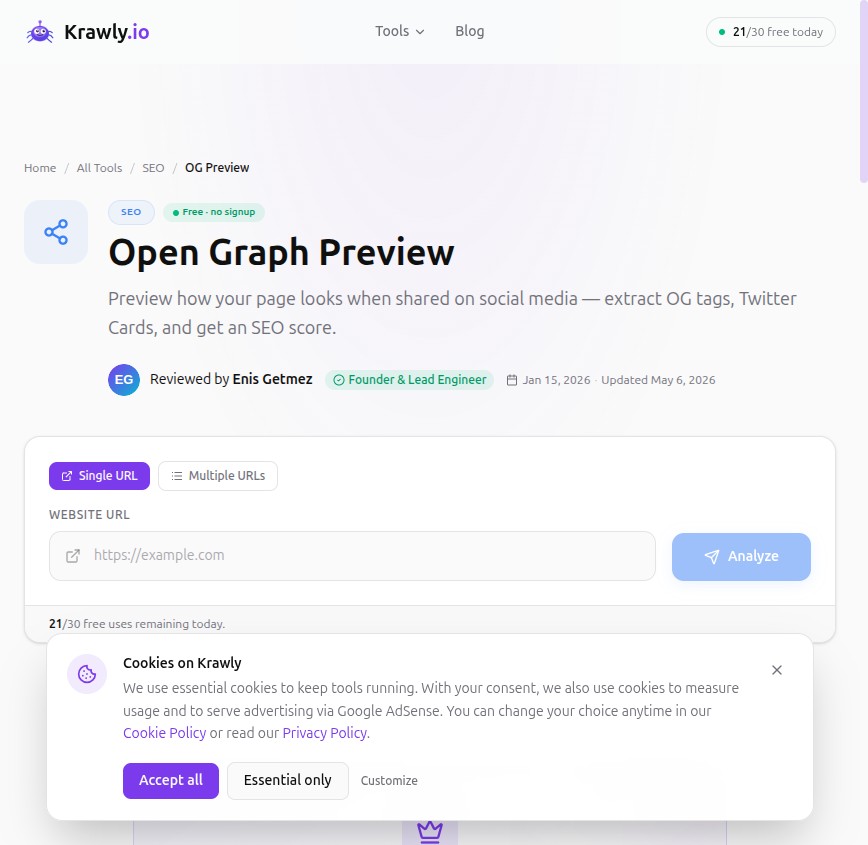
How the social preview pipeline actually works
When you paste a URL into Twitter/LinkedIn/WhatsApp:
1. The platform fetches the URL with a specific user-agent (`facebookexternalhit`, `Twitterbot`, `LinkedInBot`, `WhatsApp`).
2. It parses the HTML head for OG tags (`og:title`, `og:description`, `og:image`) and Twitter Card tags (`twitter:title`, etc.).
3. It downloads the image (if any) and caches the whole thing.
4. The next time anyone shares the same URL, it uses the cached version — often for weeks.
The platforms do not refresh the cache when your page changes. Most have manual "refresh" tools — Facebook's Sharing Debugger, LinkedIn's Post Inspector, Twitter's Card Validator — but the order matters and the URLs are not obvious.
The 12-step debugging checklist, in order
Run these in sequence. Stop at the first one that explains your problem.
1. Does the page have any Open Graph tags at all?
The most common case: no `og:*` meta tags at all because the CMS skipped them, the theme didn't render them, or a Jamstack build pipeline forgot to inject them. Open the page source (Ctrl+U) and search for `og:`. If nothing shows, that's your problem.
Run SEO Analyzer on the URL — if it returns "no OG tags found", you need to add them before any other debugging matters.
2. Is `og:image` an absolute URL with a protocol?
The most common broken-image cause. `og:image` must be:
Relative URLs (`/og.png`) break on every platform. Protocol-relative (`//cdn.example.com/og.png`) breaks on some.
3. Does the image actually load when you fetch it as a bot?
`curl -A "facebookexternalhit/1.1" https://example.com/og.png` should return your image. If it returns 401, 403, or the wrong MIME type, your image is unreachable to crawlers.
Common causes: WAF rules blocking unknown user agents, S3 buckets without public read, image CDNs that require a referrer header. Whitelist the major social bots: `facebookexternalhit`, `Twitterbot`, `LinkedInBot`, `WhatsApp`, `Slackbot`, `Discordbot`.
4. Is the `og:image` over the platform's size limit?
LinkedIn rejects images over 5 MB. WhatsApp prefers under 300 KB or it sometimes ignores the image entirely on slow connections. Twitter/X has a 5 MB cap but performs poorly past 2 MB.
If you're sharing screenshots or high-res photos, run them through compression first (JPEG at 80% quality is usually fine).
5. Is there a separate `twitter:card` block?
Twitter/X reads `twitter:*` tags in addition to `og:*` tags. The minimum for a "summary_large_image" card:
```html
<meta name="twitter:card" content="summary_large_image">
<meta name="twitter:title" content="Your title">
<meta name="twitter:description" content="Your description">
<meta name="twitter:image" content="https://example.com/og.png">
```
If you have only OG tags, Twitter/X falls back to a smaller preview. The bigger card has measurably higher click-through; add the twitter:card block.
6. Is your page server-side rendering OG tags or are they injected by JavaScript?
The crawlers do NOT execute JavaScript. They fetch the HTML, parse the head, and stop. If your OG tags are added by React or Next.js client-side (`
` component without proper SSR), the crawler sees a page with no OG tags.Test: `curl -A "facebookexternalhit/1.1" https://example.com/post` and check if `og:` tags appear in the response. If not, you need server-side rendering or static prerendering of those tags.
Next.js's `generateMetadata` function handles this correctly. WordPress + Yoast/Rank Math handles this correctly. Most SPAs without explicit SSR setup do NOT.
7. Did your CDN cache the old version?
If you updated the OG tags and the page itself reflects the change, but social previews still show the old version, the CDN is likely serving cached HTML to crawlers. Cloudflare, Vercel, and Fastly all do this aggressively.
Force a purge of the URL in your CDN's dashboard. Wait 5 minutes. Re-test with Facebook's Sharing Debugger.
8. Does the social platform have a stale cache?
Even with the CDN purged, each platform caches independently. The three you need to know about:
After force-refreshing each, paste your URL into the actual platform's compose box (not preview tools — actual share). The fresh fetch should populate. If it still doesn't, return to step 1.
9. Is there a 30x redirect in the way?
OG crawlers follow up to ~3 redirects, then give up. If your URL goes `http://example.com/post` → `https://example.com/post` → `https://www.example.com/post` → `https://www.example.com/post/`, you've burned your redirect budget on infrastructure choices and the crawler may not get to the destination.
Run SEO Analyzer on your URL. If you see more than 2 hops, consolidate them at the server level.
10. Are you using `og:url` with the wrong canonical URL?
`og:url` should match the canonical URL of the page. If you're A/B testing two URLs that show the same page, both should declare the same `og:url`. If you don't, the cache is keyed on the URL the crawler hit, not the canonical — and you can have two different cached previews for the same content.
11. Is there an `og:type` mismatch with the platform's expectations?
`og:type` defaults to "website". For blog posts use "article". For products use "product" with additional Schema.org Product markup. LinkedIn especially gives "article" pages slightly different treatment (larger preview, author shown).
12. The character encoding bug nobody talks about
If your page declares `<meta charset="utf-8">` but the OG tags are written in Latin-1 (because the CMS template was authored as such), crawlers see mojibake. The "Müller" in your title becomes "Müller".
Test by curl-ing the page and looking at the raw bytes of the og:title. If you see encoded artefacts, the file encoding (not just the meta declaration) is wrong.
A real-world example that took me a week
A client's product page showed a perfect preview on Facebook, no image on Twitter, and a 6-month-old image on LinkedIn. Same URL. Three different bugs:
1. Twitter: no `twitter:card` tag. The Facebook preview worked because Twitter/X falls back to OG, but only renders the "small summary" card without a `twitter:card` declaration. Fix: add `<meta name="twitter:card" content="summary_large_image">`.
2. LinkedIn: cached from before a redesign 6 months prior. The LinkedIn Post Inspector showed the stale image; one click to refresh fixed it. Fix: LinkedIn Post Inspector → Inspect → wait 30s → re-share.
3. Once both fixed, both platforms started picking up the new `og:image` — but WhatsApp was now showing the wrong description. Cause: the page had two competing OG description tags (one from Yoast, one from a custom theme template). Crawlers pick whichever appears first; Yoast was overriding the intended description. Fix: disable Yoast's OG output for this page type.
A week of intermittent debugging, three independent causes. This is normal.
Tools, in order
1. SEO Analyzer — see what every platform reads from your page in one place
2. SEO Analyzer — count hops between the shared URL and the canonical
3. `curl -A "facebookexternalhit/1.1" URL` — verify crawlers see the same HTML you see
4. Facebook Sharing Debugger / LinkedIn Post Inspector — platform-side cache busting
Corrections, additions
If you've found an OG bug that doesn't fit any of the 12 categories above, send the URL and the symptom to info@krawly.io. I'm collecting edge cases for a v2 of this checklist.