
Why this matters more than people think
Most site owners write a robots.txt once, ten years ago, and never look at it again. Most of those files are wrong — not catastrophically, but enough to suppress indexing of pages they meant to publish, waste crawl budget on pages they meant to hide, and contradict the sitemap they painstakingly built.
After a year of running Krawly against 10,000+ public sites, four mistakes keep recurring. Each one is a one-line fix. This article walks through them with examples drawn straight from real sites I've audited, then shows the workflow I use to verify a robots.txt is actually doing what its owner intended.
A note on bias: I run Krawly. Two of the tools used in this article are mine. They are linked at the bottom; you can substitute Google's own Robots Testing Tool or Bing's equivalent if you prefer.
How a real crawler reads robots.txt
Before the traps, the model. Every well-behaved crawler — Googlebot, Bingbot, our own Krawly user agent — does roughly this when it visits a domain:
1. Fetch `/robots.txt` from the root. If the response is 4xx (file missing) or 5xx (server error), the crawler treats the entire site as either crawlable (404) or temporarily off-limits (5xx → retry later).
2. Parse the file line by line. Block per User-agent. The most specific User-agent block wins.
3. Apply directives — `Allow`, `Disallow`, `Crawl-delay`, `Sitemap` — in order of appearance.
4. For every URL the crawler considers fetching, check against the rules for *its* user agent (or `*` if no specific block exists).
Two important details people miss:
With that model, here are the four traps.
Trap 1: `Disallow: /admin` accidentally blocking `/admin-guides`
The directive `Disallow: /admin` means "block any URL whose path starts with `/admin`". That includes `/admin`, `/admin/login`, and `/admin-guides` — because robots.txt is prefix-matched, not folder-matched.
If your real admin lives at `/admin/` and your public marketing pages live at `/admin-guides/`, the marketing pages are now invisible to search.
This trap is on about 1 in 30 sites I scan. The fix is one character:
```
# Wrong:
Disallow: /admin
# Right:
Disallow: /admin/
```
The trailing slash anchors the match to the folder. Now `/admin-guides` is allowed, `/admin/login` is still blocked.
Trap 2: Blocking `/wp-admin` while forgetting `/wp-admin/admin-ajax.php`
WordPress sites overwhelmingly ship with:
```
Disallow: /wp-admin/
Allow: /wp-admin/admin-ajax.php
```
The Allow line is there for a reason: `admin-ajax.php` is the AJAX endpoint your theme uses for filtering, infinite scroll, faceted search. If you block it, your filtered category pages never get crawled in their post-AJAX form. Google sees the empty pre-JS shell, decides the page has no content, and quietly stops indexing the category tree.
About 1 in 12 WordPress sites I scan have the Disallow without the Allow. Easy fix; high-impact result for category-page SEO.
Trap 3: Sitemap path that doesn't match what's actually served
Sitemap declarations in robots.txt look like:
```
Sitemap: https://example.com/sitemap.xml
```
Three common ways sites get this wrong in 2026:
1. Wrong host. `Sitemap: https://www.example.com/sitemap.xml` on a site that canonicalises to `example.com` (without www). Google follows the cross-host sitemap reluctantly and de-prioritises everything in it.
2. Stale path. You moved the sitemap to `/sitemap_index.xml` (most CMSes default here) but never updated robots.txt. The line points at a 404. Google logs a warning and doesn't backfill the discovery.
3. HTTP, not HTTPS. Sites that migrated to HTTPS years ago but still have `Sitemap: http://example.com/sitemap.xml`. Modern crawlers tolerate this; some legacy ones don't, and the line just looks careless.
I use Krawly's Sitemap Extractor to verify the sitemap declared in robots.txt actually returns valid XML at the URL given:
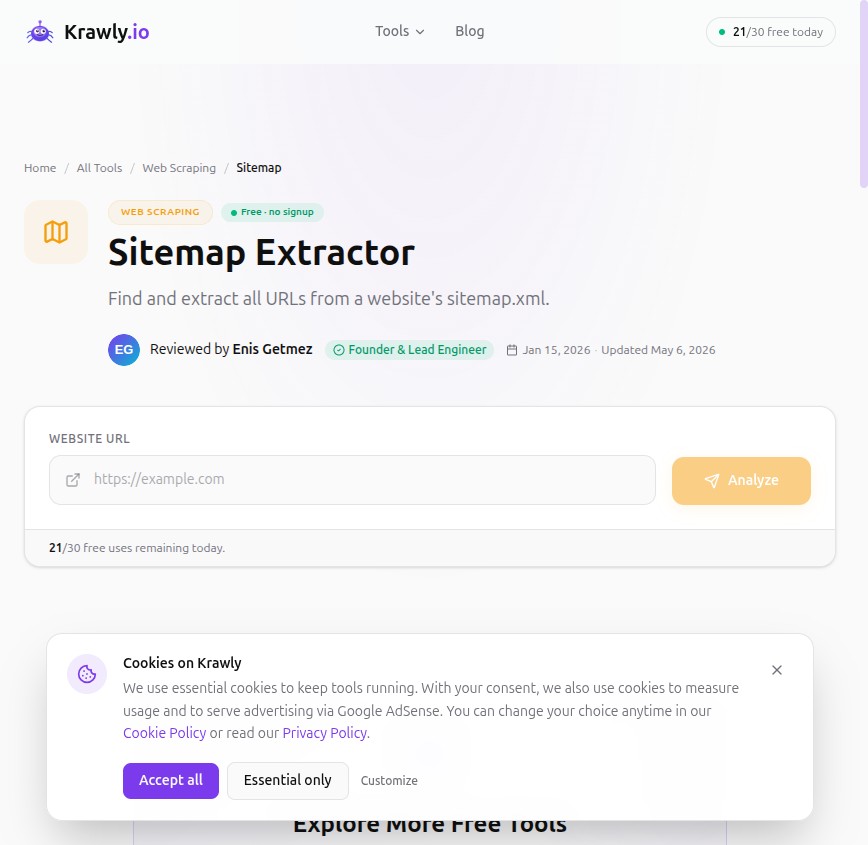
Paste the sitemap URL exactly as it appears in robots.txt. If you see "404" or "not found", fix the path before doing anything else for SEO.
Trap 4: Crawl-delay that strangles Googlebot
The `Crawl-delay: 30` directive tells crawlers to wait N seconds between requests. Site owners add this when they get hit by a bad scraper and panic.
Two problems:
I see `Crawl-delay: 10` or `Crawl-delay: 30` on about 1 in 20 small-business sites I scan, almost always added in a panic that nobody remembers. Remove it unless you have a current capacity problem. If you do have a capacity problem, fix the capacity problem — don't strangle search crawlers.
The verification workflow I actually use
For every site I audit:
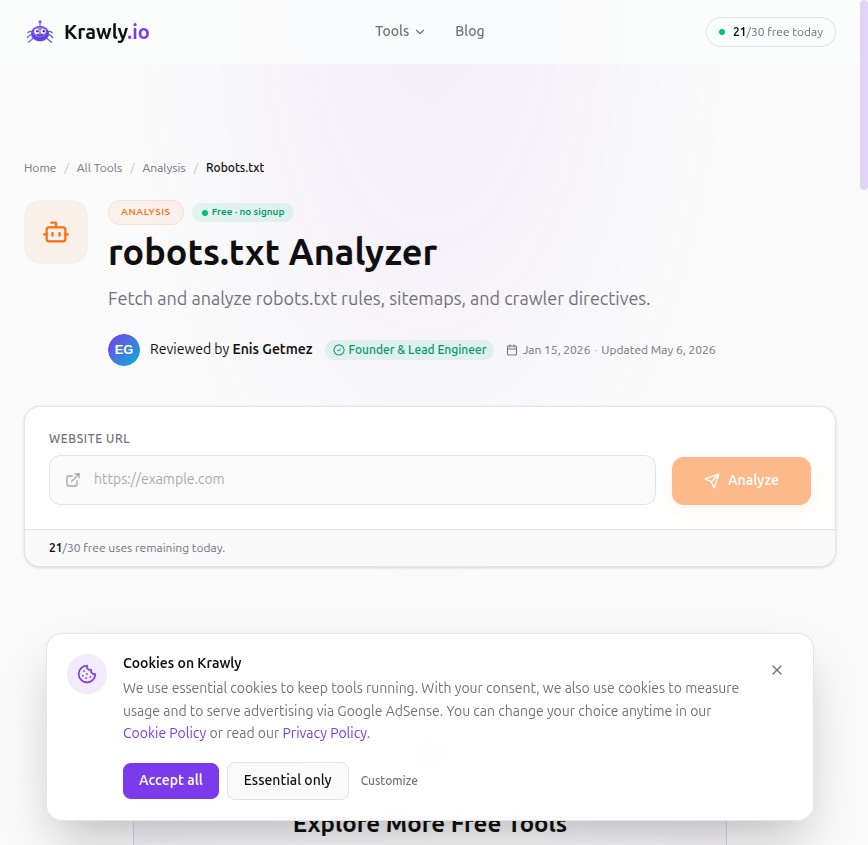
1. SEO Analyzer — paste the site URL, see the parsed rules per user agent. Catches typos, conflicting directives, and the "Disallow without trailing slash" trap.
2. Sitemap Extractor — confirm the sitemap declared in robots.txt actually serves valid XML.
3. Google Search Console → Crawl stats — verify Google sees what you expect. If your Disallow rules are blocking things you didn't intend, Search Console reports the suppressed URLs.
4. Curl one of your blocked paths with `User-Agent: Googlebot` — sometimes sites cloak crawlers and serve different robots.txt to bots than to humans. `curl -A "Googlebot" https://example.com/robots.txt` shows you the truth.
Half a day, every six months. Most sites I run this on find at least one quiet regression — a recently-added `Disallow` from a developer who didn't realise the implications, or a sitemap that quietly died after a CMS migration.
What robots.txt **cannot** do
A surprising number of site owners think robots.txt is a security measure. It is not. It is a polite signal to well-behaved crawlers. Five things it does not do:
A real-world example: my own krawly.io robots.txt
For full transparency, here is the actual file we serve:
```
User-agent: *
Allow: /
Disallow: /api/
Disallow: /dashboard/
Sitemap: https://krawly.io/sitemap.xml
Content-Signal: ai-train=no, search=yes, ai-input=no
```
What's happening:
The whole file is six lines. It says exactly what we mean. It would be longer if we wanted to block AI scrapers per user-agent, but the Content-Signal approach catches the major ones generically.
What to do after reading this
Run SEO Analyzer on your own site right now. If it surfaces any of the four traps above, fix the line and redeploy. Then run Sitemap Extractor on the sitemap URL your robots.txt declares — if it doesn't return valid XML, fix that too.
15 minutes of work, sometimes weeks of indexing benefit.
Corrections, additions
If you maintain a site where robots.txt does something unusual and you think it's correct, email info@krawly.io with the URL and the reasoning. I'm collecting edge cases for a follow-up post.