
What you can learn from a single domain
Most security and competitive-intelligence work starts with a domain name. The interesting thing is how much of the target's infrastructure you can map without ever visiting the website. DNS is public. Every record someone publishes is queryable by anyone with a resolver. WHOIS is partially public (more on that). Certificate transparency logs are entirely public.
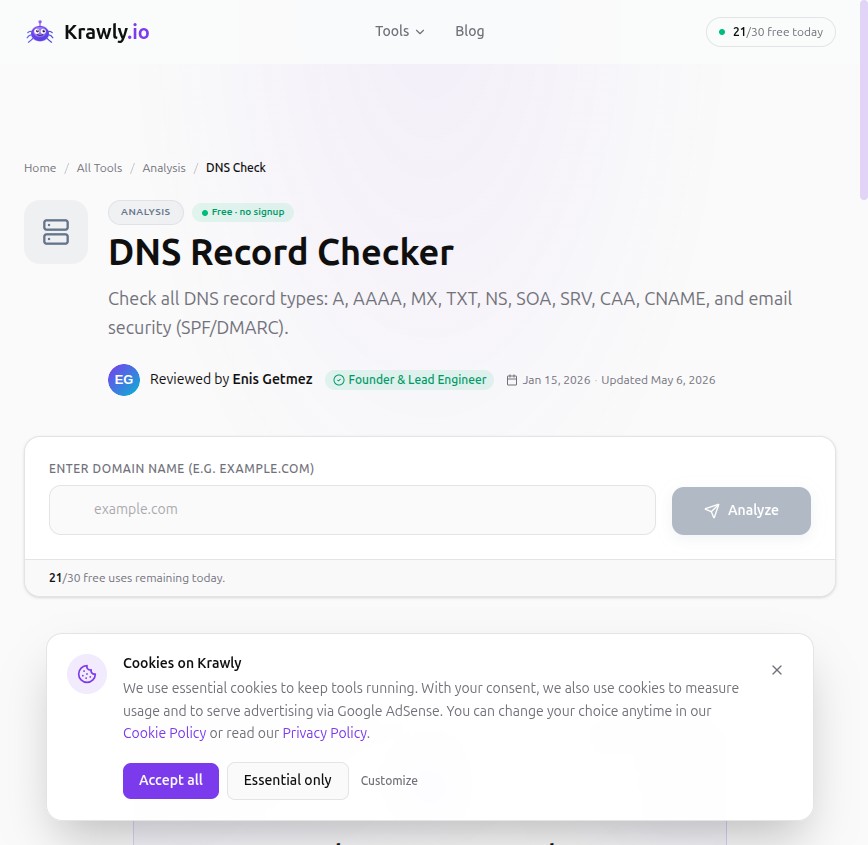
This article walks through the 10-minute investigation I run on any new client domain, with the specific records to query, what each tells you, and the gotchas. Every query below is doable with free public tools — Krawly covers most of them, and `dig` covers the rest if you prefer command-line.
A note on what this is not: this is not "OSINT to attack someone". It is the same map you would build for your own infrastructure to make sure nothing leaks publicly that you didn't intend to leak. If you can read this map of a competitor, you can read the same map of your own domain — and you should.
Step 1: A and AAAA records — where the site actually lives
The most basic question: what IP serves `example.com`?
```
dig example.com A
dig example.com AAAA
```
What this tells you:
What you can do with this: run Reverse IP Lookup on the IP to find other sites hosted on the same server. For shared hosting, this reveals every other customer site on the same box; for dedicated hosting, usually only the target.
Step 2: MX records — the email provider
```
dig example.com MX
```
The MX records identify which mail server handles email for the domain. Pattern matching the MX target tells you the email provider:
| MX target contains | Provider |
|---|---|
| `aspmx.l.google.com` | Google Workspace (formerly G Suite) |
| `outlook.com`, `mail.protection.outlook.com` | Microsoft 365 |
| `mx.zoho.com` | Zoho Mail |
| `mxa.mailgun.org`, `mxb.mailgun.org` | Mailgun (transactional only) |
| `smtp.fastmail.com` | Fastmail |
| `mx.privateemail.com` | Namecheap PrivateEmail |
| `mailhost.protonmail.ch` | Proton Mail |
Why this matters for competitive intel: a startup on Google Workspace is the modern default. A small business still on cPanel mail is using legacy infrastructure. A company with Mailgun MX records uses transactional email — they're shipping product. A company with empty MX records doesn't receive email on this domain (their public-facing email lives on a different domain, or doesn't exist).
Step 3: TXT records — the messiest, most informative
This is where the gold is. TXT records carry SPF, DKIM signing policy, DMARC policy, domain ownership verifications for third-party services, and various ad-hoc bits.
```
dig example.com TXT
dig _dmarc.example.com TXT
dig default._domainkey.example.com TXT
```
The patterns you'll commonly see:
SPF record — `v=spf1 include:_spf.google.com ~all` tells you which services are authorised to send email for the domain. The `include:` directives leak third-party email integrations. `include:mailgun.org` means they use Mailgun. `include:_spf.salesforce.com` means they use Salesforce email. `include:sendgrid.net` means SendGrid. Each one is a known dependency.
DMARC record — `v=DMARC1; p=reject; rua=mailto:dmarc-reports@example.com`. The `rua` email address tells you where DMARC reports are sent — sometimes a third-party DMARC vendor (Valimail, dmarcian, etc.), sometimes the company's own security team.
Domain verification tokens:
Every verification token is a "yes, this company uses this service" signal. None of them are sensitive on their own, but the aggregate paints a picture of the stack.
Step 4: NS records — who manages DNS
```
dig example.com NS
```
The nameservers tell you who is running DNS. Patterns:
| NS pattern | Likely DNS provider |
|---|---|
| `*.cloudflare.com` | Cloudflare |
| `*.awsdns-*.com` | AWS Route 53 |
| `ns1.dnsimple.com` | DNSimple |
| `*.googledomains.com` | Google Domains (or pre-Squarespace transition) |
| `ns1.example.com` (NS on same domain) | Self-hosted DNS or registrar-default |
NS records change less often than other DNS state. If a domain's NS records show two different DNS providers (e.g. Cloudflare + Route 53), that's mid-migration. Catching a migration in progress is sometimes useful.
Step 5: CAA records — who can issue certificates
```
dig example.com CAA
```
CAA records list which Certificate Authorities are authorised to issue TLS certificates for the domain. Less commonly published than SPF/DMARC but very informative when present:
A site with CAA records configured is run by someone who thinks about TLS hygiene. A site without is the norm but is missing a (small) hardening step.
Step 6: WHOIS — what's left of it
Since GDPR took effect, most WHOIS data for individual domains is redacted. You'll commonly see "REDACTED FOR PRIVACY" instead of registrant details.
What's still visible:
For `.com` and `.net` you have to query through the registrar's public WHOIS; for ccTLDs (`.uk`, `.de`, `.fr`) the data is often even more restricted.
Run Website Owner Finder — Krawly's version returns everything in one query.
Step 7: Certificate transparency logs
Every TLS certificate issued for a public domain in 2026 is logged in public Certificate Transparency (CT) logs. This is by browser policy — Chrome, Firefox, and Safari refuse certs that aren't logged.
What this means for OSINT: you can query CT logs for any domain and get every certificate ever issued for it, including subdomains. `crt.sh` is the most common front end.
Why this matters: certificates for internal subdomains (`staging.example.com`, `admin.example.com`, `api-v2.example.com`) leak through CT logs even when those subdomains are not publicly linked. CT-log search is the most efficient way to enumerate subdomains.
Krawly's Website Owner Finder wraps this lookup.
Step 8: The Cloudflare-bypass trick
When a target uses Cloudflare, the A record points at Cloudflare's edge. But sometimes the MX record still points at the origin IP (because mail can't easily go through Cloudflare's HTTP proxy). If the company hosts their mail server on the same machine as their web server (common for small shops), the MX record leaks the real IP.
Other ways the origin sometimes leaks:
This is not "hacking" — it is observing public DNS history. If your origin IP leaks, attackers can bypass your Cloudflare-fronted DDoS protection and hit your real server directly. Use a different IP for non-web services, or front them with Cloudflare too.
The 10-minute walkthrough on any target
For real OSINT work on a competitor or a security audit on your own infrastructure:
1. Website Owner Finder — pull A, AAAA, MX, TXT, NS, SOA, CAA in one shot
2. Website Owner Finder — registrar, dates, nameservers
3. Reverse IP Lookup — other sites on the same IP
4. Website Owner Finder — every certificate ever issued for the domain, including subdomains
5. Hosting Detector — confirm the hosting provider from the IP + ASN
Five queries, five minutes, complete map of the target's public infrastructure footprint. Useful for security baselining your own assets; equally useful for "where does our competitor live" intelligence.
What you cannot learn from DNS
Things people commonly think they can find via DNS but cannot:
The DNS map is broad and shallow. For depth you need other tools — most of which require explicit authorisation from the asset owner.
Methodology
Every technique above is purely passive — querying public DNS, public WHOIS, and public CT logs. No traffic to the target's servers beyond DNS resolution. No scraping. No authentication. Equivalent to checking a phone book.
If you're auditing your own infrastructure for what leaks publicly, run all five queries above against your own primary domain. If any of the records surfaces something you didn't expect (an old subdomain still resolving, an SPF `include:` from a service you no longer use, a CT log entry for a deprecated test cert), that's a hygiene fix.
Send corrections, additions, or interesting case studies to info@krawly.io.