OSINT Free · no signup

Wayback Machine Checker

Check if any URL has been archived in the Internet Archive Wayback Machine. See the oldest snapshot.

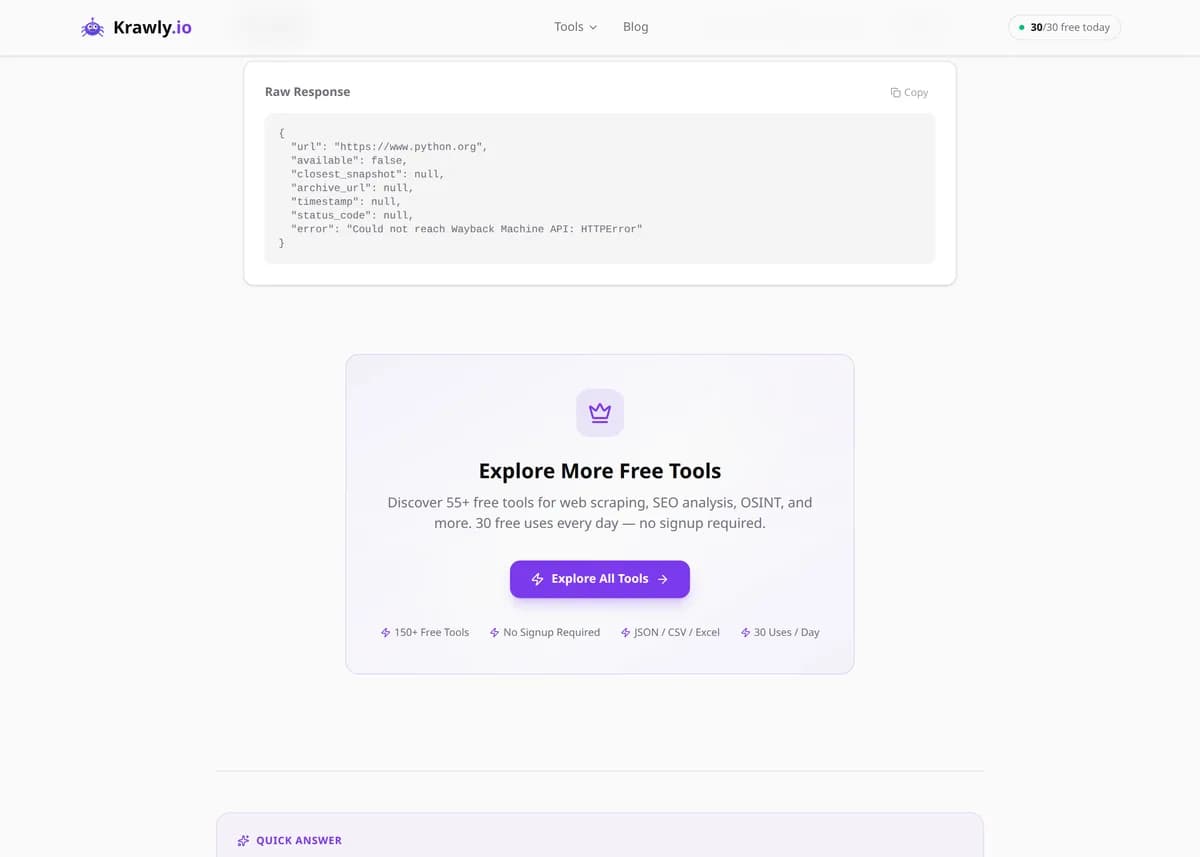
Paste any URL and the tool queries the Internet Archive's Wayback Machine API to find the closest archived snapshot. You get the archive URL, timestamp, and how many years ago it was captured — handy for checking what a page looked like before a redesign or for finding content that has since disappeared from the live web.

Krawly Editorial Team avatarReviewed by Krawly Editorial TeamIn-house engineers, writers & reviewers·Updated

Explore More Free Tools

Discover 160+ free tools for web scraping, SEO analysis, OSINT, and more. 30 free uses every day — no signup required.

160+ Free Tools No Signup Required JSON / CSV / Excel 30 Uses / Day
Quick answer

Paste any URL and the tool queries the Internet Archive's Wayback Machine API to find the closest archived snapshot. You get the archive URL, timestamp, and how many years ago it was captured — handy for checking what a page looked like before a redesign or for finding content that has since disappeared from the live web.

What is Wayback Machine Checker?

The Wayback Machine Checker is a free lookup tool for the Internet Archive's web archive at archive.org. The Archive has saved billions of web pages since 1996, and this tool gives you fast access to the closest-available snapshot for any URL you enter. It's invaluable for digital archaeology, verifying old claims, recovering deleted content, tracking how sites evolve, and auditing competitors' old copy.

How to use Wayback Machine Checker

  1. 1

    Paste a URL

    Enter any website address — the live domain or a specific page. The tool handles http:// and https:// prefixes automatically.

  2. 2

    Run the lookup

    The tool queries archive.org/wayback/available in real time. Response times are usually under 2 seconds.

  3. 3

    Review the snapshot

    If an archive exists, you get the snapshot URL, exact timestamp (YYYYMMDDhhmmss), human-readable date, the HTTP status at capture time, and how many years have passed since then.

  4. 4

    Visit the archive

    Click the archive URL to view the historical version of the page — a perfectly preserved capture with all original HTML, CSS, and often images.

Try it when you need to…

  • Recover the content of a deleted blog post or product page
  • Check what your competitor's homepage looked like 5 years ago
  • Verify claims about what a website used to say before an edit
  • Find an old version of an article that has been paywalled or removed
  • Audit your own site's historical changes for a redesign retrospective

Use cases

  • Content recovery — resurrect a deleted blog post or product page
  • Competitive research — see how a rival's site looked 3+ years ago
  • Fact verification — confirm that a claim appeared on a page before it was edited
  • Journalism and research — track how companies change public statements over time
  • SEO — understand a site's historical structure when analysing its backlink profile

Key features

Queries the official Wayback Machine API (archive.org)
Returns closest-available snapshot with exact timestamp
Shows human-readable date ("June 12, 2019 at 14:23 UTC") and years-since-capture
Includes HTTP status code at capture time (so you know if it was a 404 redirect)
Free, no signup, no API key required
Falls back gracefully when a URL hasn't been archived

Tips & best practices

If the tool returns "No snapshot found", the URL may be too new — pages are typically crawled by the Archive weeks after first publication. Try again later, or use archive.today as a backup.

The Wayback Machine respects robots.txt retroactively — sites can request deletion of their archives. If a page you know existed returns nothing, it may have been purged.

For bulk archive checking, use the Internet Archive's Wayback CDX API directly — our tool is for quick single-URL lookups.

Frequently asked questions

The Wayback Machine is a web archive run by the Internet Archive (a non-profit since 1996). It has captured and preserved hundreds of billions of web pages, letting anyone view historical versions of any public URL.

Three possibilities: (1) the page was only recently published and hasn't been crawled yet; (2) the site's robots.txt requested Archive exclusion; (3) the URL was purged after a deletion request. For recent pages, try again in a week.

Yes — visit web.archive.org/save/ and submit the URL. The Archive will capture it within minutes and make it permanently available. We don't trigger captures ourselves; this tool just looks up existing ones.

Archived snapshots are protected under fair-use and archival exceptions in most jurisdictions. Citing an archived snapshot as evidence of what a page said is generally accepted; republishing archived content wholesale is not.

First snapshots began in 1996. Early coverage of the web is thin; most URLs have dense snapshots starting around 2003-2005 as crawl frequency increased. Popular sites like news outlets are captured multiple times a day.