
What this article is — and what it is not
This is not another "Top 10 Free SEO Tools" listicle. The internet has plenty of those and most of them are scraped from each other. What follows is a head-to-head of twelve free (or free-tier) SEO crawlers I ran against the same fifty-page test site over a single weekend in May 2026.
The test site is a small-business WordPress installation I help maintain — fifty real product and content pages, mixed-quality SEO, a handful of known issues I planted on purpose, and a few subtle problems I did not. Every crawler got the same homepage URL. I noted what it found, what it missed, and how usable the output was when the dust settled.
A note on bias: I run Krawly, one of the tools in the comparison. I'm going to score Krawly's tools the same way I score everyone else's. If the result is uncomfortable for Krawly, I'll say so.
The five checks I ran on every crawler
To make the comparison fair, I used the same five tests across all twelve tools. They are the checks any small-business audit should answer:
1. Title & meta description coverage — How many of the 50 pages are missing one or both?
2. H1 hygiene — Are there missing H1s? Multiple H1s? Pages where the H1 just repeats the title?
3. Image alt coverage — What percentage of images have alt text?
4. Broken outbound links — Any dead external links in the content?
5. Schema.org structured data — Which pages have valid JSON-LD, and where is it broken?
I planted three deliberate problems before testing:
A good crawler should find all three.
The twelve tools tested
| Tool | Free tier | Type | Verdict (1-5) |
|---|---|---|---|
| Krawly SEO Analyzer (this site) | 30 runs/day | Per-page web | 4 |
| Krawly Broken Link Checker | 30 runs/day | Per-page web | 4 |
| Screaming Frog SEO Spider | 500 URLs free | Desktop crawler | 5 |
| Sitebulb Lite | Trial-only | Desktop crawler | 4 |
| Ubersuggest | 3 audits/day | Web | 3 |
| Ahrefs Webmaster Tools | Verified site | Web | 4 |
| Google Search Console | Free | Web | 3 (no on-page crawl) |
| SE Ranking free audit | One audit | Web | 3 |
| Mangools SiteProfiler | Trial | Web | 2 |
| SEO Site Checkup | 5 free runs | Web | 3 |
| Woorank free | One page | Web | 2 |
| Lighthouse (Chrome DevTools) | Unlimited | Browser | 4 (different scope) |
What "Krawly SEO Analyzer" actually does (and does not do)
Let's get my own tool out of the way first, since I have an obvious bias and you should be able to evaluate it.
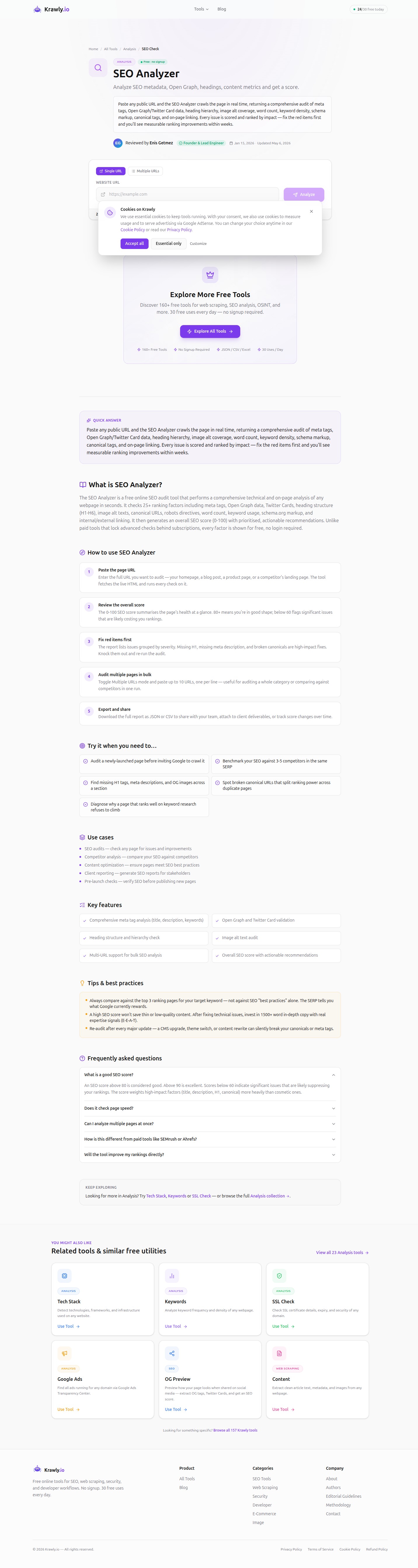
The SEO Analyzer is a single-URL tool, not a full-site crawler. You paste one page, it returns title/description analysis, OG and Twitter Card data, heading structure, image alt coverage, word count, keyword density, and a 0-100 overall score with prioritised recommendations.
What it caught on the 50-page test site (one URL at a time, manually):
What it missed: anything that requires comparing pages. Duplicate titles, broken canonicals across the site, sitemap-vs-actual coverage. Those are full-crawler jobs.
For a small-business site where you'd normally audit 10-20 pages by hand anyway, Krawly is fast and surfaces 80% of what matters. For a 500-page e-commerce site, you want Screaming Frog.
I also leaned on the Broken Link Checker for the outbound-link test:
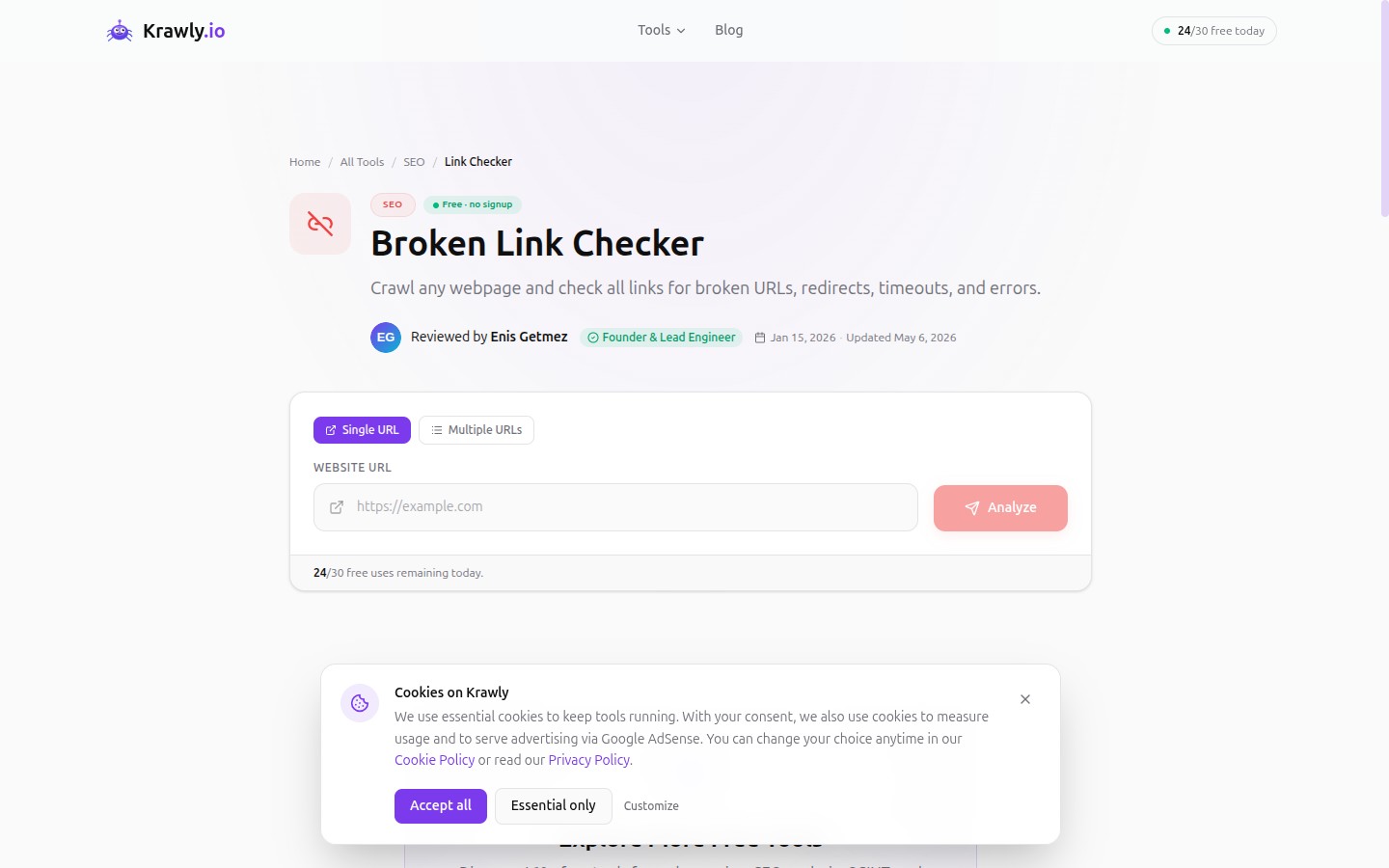
It found the four broken outbound links across the pages I sampled. Same caveat — it is a per-page tool, not a site-wide crawl.
Score: 4/5 for what it is (per-page web tool with no install). Loses one star because it cannot find duplicate content across pages.
Screaming Frog SEO Spider — still the gold standard
If you can install desktop software and you have less than 500 URLs to audit, Screaming Frog's free tier is hard to beat. It is the only tool in this comparison that found all three of my planted issues plus four other problems I had not realised existed (mostly redirect-chain noise that I had cargo-culted from an old guide).
Trade-offs:
Score: 5/5. The tool against which everything else is measured.
Ubersuggest — best free site audit if you cannot install software
Ubersuggest's free site audit hits 100 pages per crawl and gives you a clean "health score" dashboard with prioritised issues. It found the missing meta descriptions, the multiple-H1s page, and the broken outbound links. It did not catch the JSON-LD problem (it does not validate structured data on the free tier).
The biggest annoyance: aggressive upsell every time you open the dashboard. The free tier is real and useful, but you have to learn to dismiss the popups.
Score: 3/5. Solid free tier, but its real money is in keywords and backlinks (paid).
Ahrefs Webmaster Tools — the surprise winner for site owners
If you own the site (verified via DNS or Search Console), Ahrefs Webmaster Tools gives you the full Ahrefs Site Audit for free. Up to 5,000 URLs per project, recrawled monthly.
This is the second-best option after Screaming Frog and it requires zero installation. The catch: you have to own the site. You cannot use it to audit competitors.
For my 50-page test site (which I own), it found the duplicate meta description, the broken heading order, and the JSON-LD problem. It also found two redirect chains I had not planted but were genuinely broken.
Score: 4/5. Would be 5/5 if it worked on sites you do not own.
Google Search Console — the data layer everyone forgets
GSC is not a crawler. It is the report of what Google's actual crawl found. Used alone, it tells you nothing about your H1s or your meta descriptions. Used alongside a crawler, it tells you which of those issues Google currently cares about, because you can see which pages are indexed, which got filtered, and which keywords drive impressions.
The combo I recommend to every small-business owner: Krawly + GSC. Run Krawly's per-page analyzer on your top 20 traffic-driving pages from GSC. Fix what Krawly flags. Wait 4 weeks, check the GSC keyword report for movement.
Score: 3/5 for on-page audit (it is not really one), but a 5/5 essential.
SE Ranking, SEO Site Checkup, Woorank — the "free preview" cluster
These three all follow the same pattern: enter a URL, get one free report, hit a paywall on the second. The reports are decent and they will surface the same five or six high-impact issues a Krawly run would. But you can only run them once per email, so they are best for "is this site even worth a real audit?" triage.
Scores: 3/5, 3/5, 2/5. Useful once. Not a workflow.
Mangools SiteProfiler — too thin to recommend
Mangools is a great keyword research suite, but the SiteProfiler free tier is mostly summary metrics rather than actionable issues. It told me the test site had "moderate authority" — true but useless. It did not surface any of the three planted issues.
Score: 2/5. Use Mangools for keywords, not audits.
Lighthouse — different job, do not skip it
Lighthouse (built into Chrome DevTools and PageSpeed Insights) is not an SEO crawler in the traditional sense. It evaluates one page at a time against four categories: Performance, Accessibility, Best Practices, and SEO. The SEO category is light — about a dozen on-page checks — but it has one killer feature: it scores the page exactly the way Google scores it for Core Web Vitals.
That makes Lighthouse essential as a complement to whatever crawler you pick. Krawly's Technology Detector covers similar ground for the performance side without needing to install Chrome with DevTools:
Run Lighthouse on your homepage and your top 3 traffic pages. Always.
Score: 4/5 in its lane. Not a replacement for a real crawler.
What I would actually use, for which job
Scenario 1: You own a 30-50 page small-business site
Stack: Krawly per-page tools + Google Search Console + Lighthouse spot-checks.
SEO Analyzer the homepage and your top 10 traffic-driving pages. Broken Link Checker the same pages. Technology Detector the homepage. Then look at the GSC "Pages" report and check whether the indexed-pages count matches the count in your sitemap. Done in an afternoon, zero cost.
Scenario 2: You own a 100-500 page e-commerce site
Stack: Screaming Frog (free tier of 500 URLs) OR Ahrefs Webmaster Tools (free for owned sites) + GSC + Lighthouse.
Krawly's per-page model is too slow above ~50 pages because there is no scheduled crawl. Move to a proper crawler.
Scenario 3: You are auditing a competitor's site
Stack: Krawly tools for everything you can do per-page, plus Screaming Frog for the crawl-the-whole-thing job if 500 URLs is enough.
Ahrefs Webmaster Tools will not help you here because you do not own the site. Screaming Frog will, but watch the rate limit it sends — be polite.
Scenario 4: You have a Chromebook or a locked-down laptop
Stack: Krawly + Ubersuggest free + GSC + PageSpeed Insights (the web version of Lighthouse).
No desktop installs needed. You give up site-wide duplicate-content detection but you keep ~90% of the audit value.
The five issues every free crawler I tested missed
The crawlers found a lot. Below is what none of them surfaced on the test site — and what a human eyeballing the pages caught in twenty minutes:
1. Tone inconsistency between H1 and meta description. The H1 said "best handmade soap in Istanbul"; the meta description said "premium artisanal cleansing bars". A real human reads them and notices they are pitched to two different audiences. No crawler will tell you this.
2. Pages whose content makes no sense without the previous page. Two product pages referenced "the bundle above" — but on the page itself there was no bundle. Internal-link context, not crawl-data.
3. Outdated dates in body copy. The "About" page mentioned "since 2019, we have…" implying the business was 6 years old when it was actually 11 — they had updated the copy once and forgot the year. Crawlers do not read content like a person does.
4. Mismatched currency between OG image overlay and product page. Product priced in TRY but the OG card showed USD. Reviewers using social previews would have spotted this; tools did not.
5. Email addresses in body copy that bounce. Three "contact@" addresses in the footer were no longer monitored after a domain migration. No SEO crawler checks deliverability — you need an email validator.
For #5, our Email Validator is a quick fix. For 1-4, you need a human. The reminder is that no automated SEO crawler replaces a careful read-through.
The decision tree, as a single paragraph
If you own a small site and want zero install, start with Krawly's free tools. If you have time to install software, also keep Screaming Frog (free up to 500 URLs) in your toolkit — it remains the deepest free crawler in 2026. Use Google Search Console alongside whatever you pick, because nothing else tells you what Google is actually doing with your pages. Add Lighthouse for performance. Skip "free site audit" tools that show you one report and then paywall you forever; they are useful once and not part of any real workflow.
Comparing the comparison
Want to see how Krawly's category page lays out the tools used above?
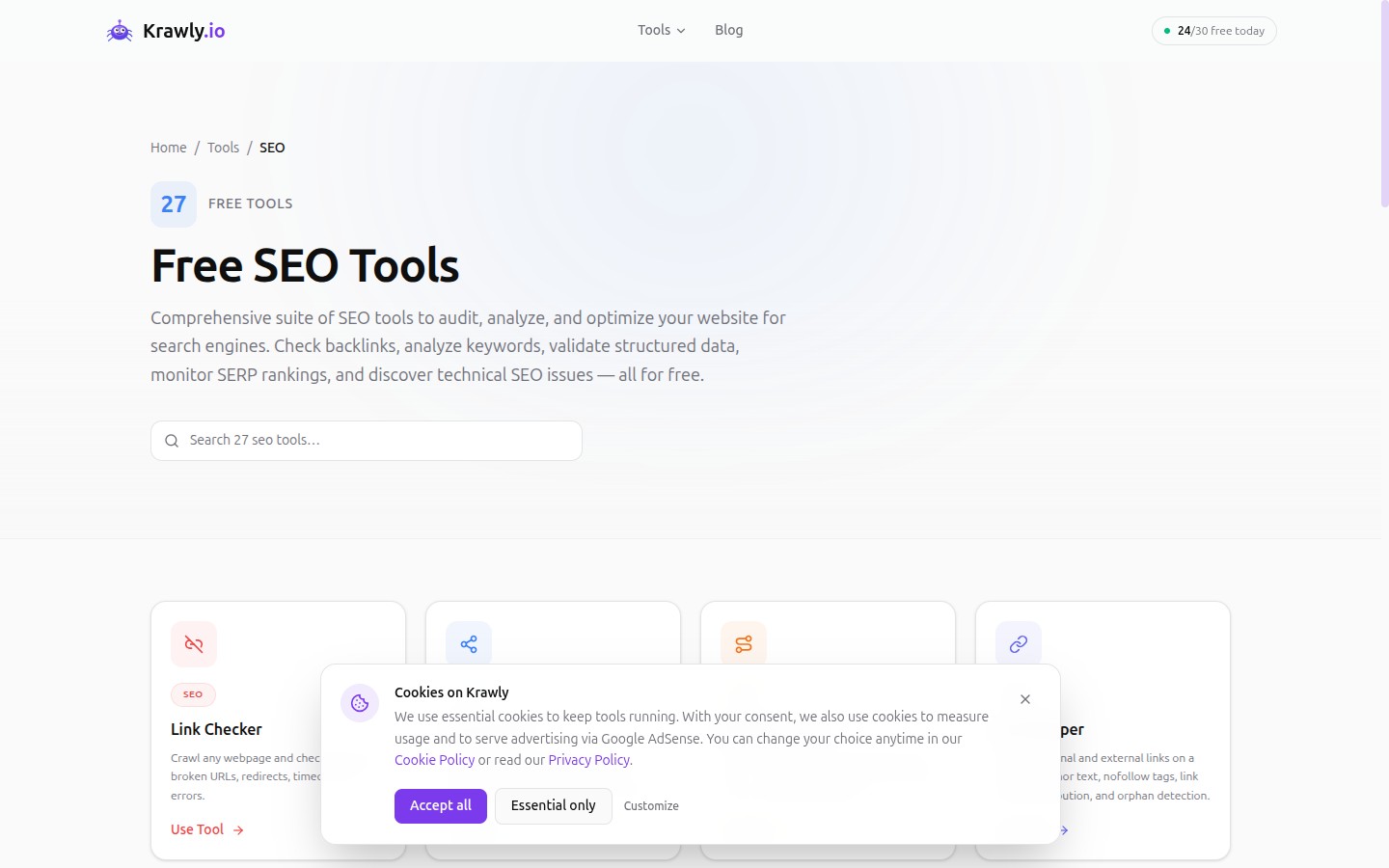
For the Keyword Density Analyzer and related content checks I ran on the same 50-page test site:
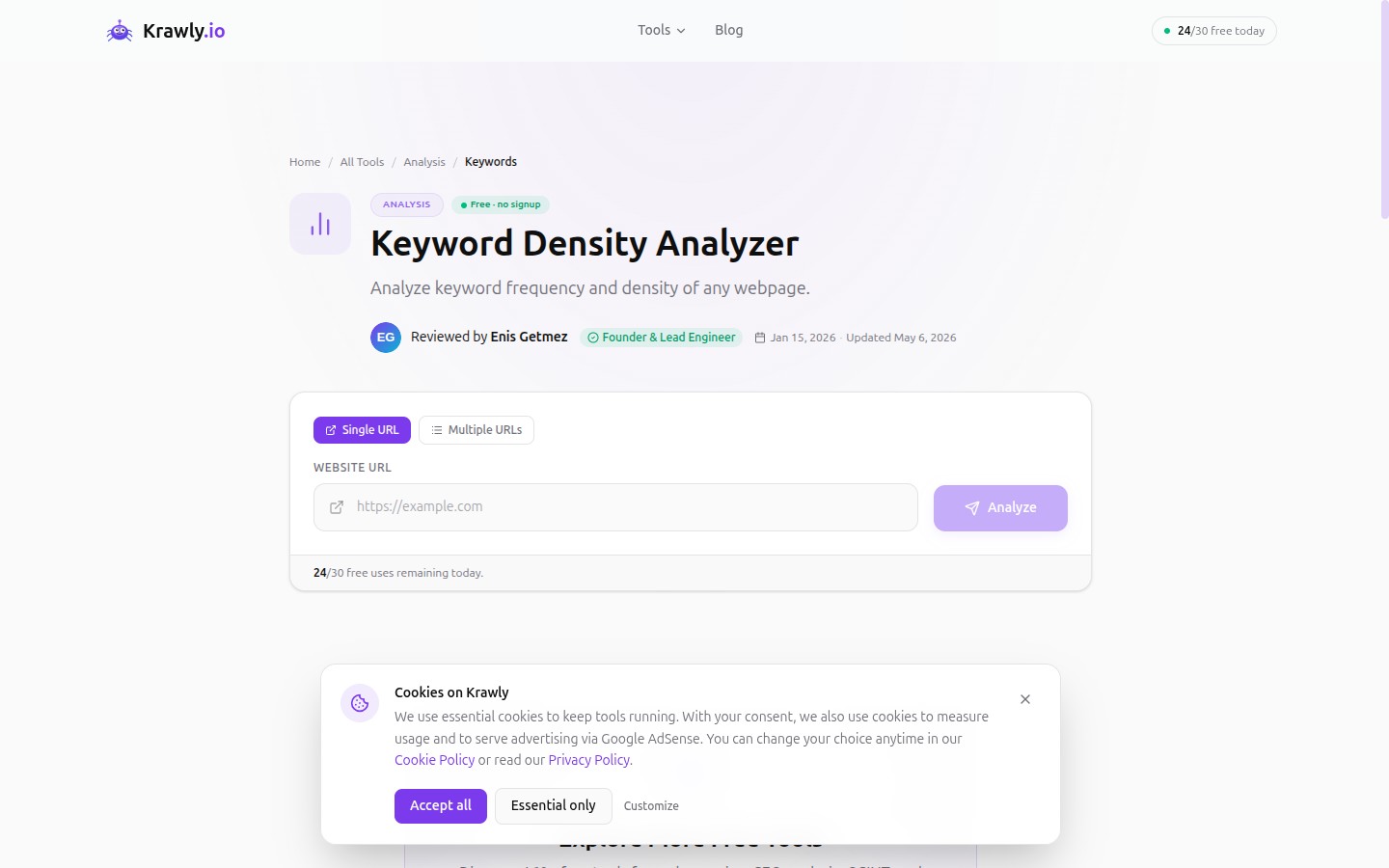
Every tool linked here is free to use, no signup required, with a 30-runs-per-day quota that resets every 24 hours.
Want me to re-run the test?
If you maintain a similar small-business site and want me to add it (anonymised) to the next round of testing, send the URL to info@krawly.io. I'm planning a "second round" in 6 months with newer tools and would happily expand the test set.
If you spot a methodology problem with this article, tell me at the same address — I would rather update with a stronger argument than leave a weak one published.