
Why I don't use a "real" SEO dashboard
I've tried them. Ahrefs Dashboard, SEMrush Pro, Sitebulb Cloud, Ubersuggest Pro, agency-tier dashboards in Looker Studio. They look impressive in screenshots and they cost between $50 and $500 a month. For one small site or one client, the cost-to-utility ratio is bad — you pay for a backlink database and SERP tracker you barely use, just to see metrics you could get for free.
What follows is what I actually do every Monday morning for the small-business sites I help maintain. Seven free tools, 30 minutes, no spreadsheet. The output is a list of "fix this, leave that alone" tasks for the week.
A note on bias: I run Krawly, and most of the tools below are mine. The reason isn't that they're objectively better than alternatives — it's that they're free, fast, and they work on a single URL at a time (which is the right granularity for a weekly workflow on small sites).
The Monday morning routine
Step 1 (5 minutes): Google Search Console — Pages report
Open Search Console → Performance → Pages. Sort by clicks (descending), 28-day window. The top 10 pages here are 80% of your traffic.
What to look for:
Make a mental list. Don't fix yet, just identify.
Step 2 (3 minutes): SERP Preview on the priority pages
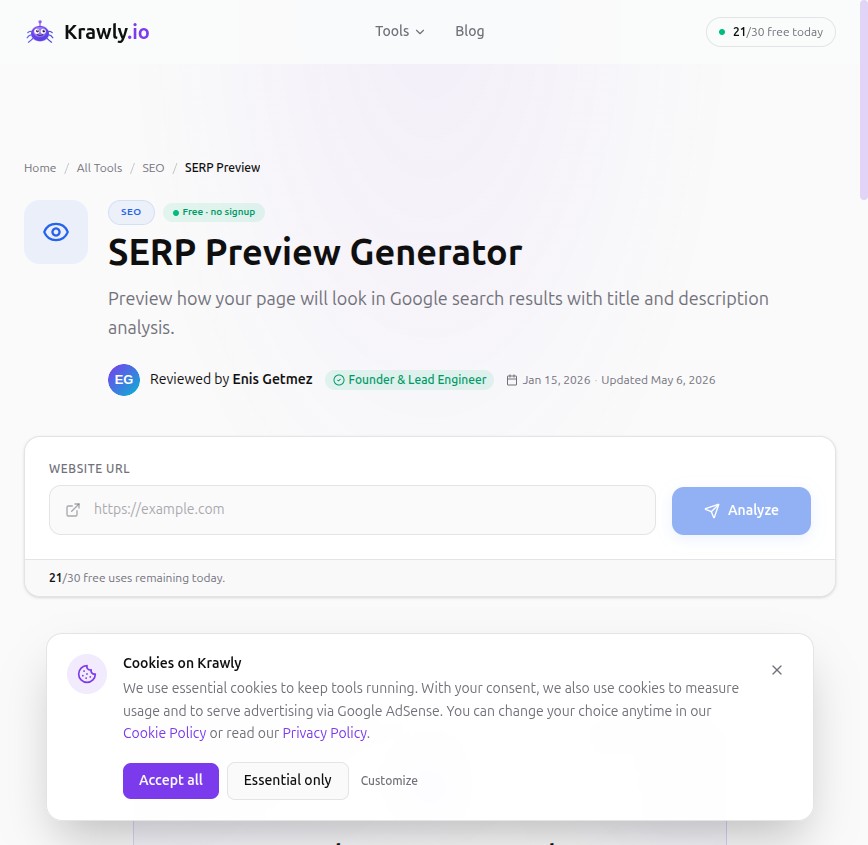
For any page that lost clicks despite holding impressions, paste the page URL into SEO Analyzer. This shows you exactly how the page renders in Google search results — title, description, URL, with the current truncation.
What I look for:
These are the highest-leverage CTR fixes available because they take 5 minutes and the win is immediate next index.
Step 3 (5 minutes): Per-page SEO Analyzer on the priority list
For each page on the priority list, run SEO Analyzer. Note any red items.
Common findings:
Don't fix in the moment — collect into a "Monday fix list" file (I use a single .md file per site).
Step 4 (5 minutes): Broken Link spot check
Pick ONE top-traffic blog post per week and run Broken Link Checker. Rotating through the top 20 means each high-traffic page gets re-audited every 20 weeks (~4-5 months). That's a reasonable cadence — outbound links rot at 5-10% per year, so semi-annual maintenance keeps pages fresh.
Fix any broken outbound links found: either replace with a current alternative, link to a Wayback Machine snapshot via Wayback Checker, or remove.
Step 5 (5 minutes): Page Speed spot check
For the same one post, run Technology Detector. Check the recommendations. If LCP is over 2.5 seconds on mobile, that's the priority fix for the week.
I don't optimize for "score 100". I optimize for "field data passes Core Web Vitals" — which usually means LCP under 2.5s, INP under 200ms, CLS under 0.1.
Step 6 (3 minutes): Security Headers re-check
Run SSL Certificate Checker on the homepage. If the grade is still A or B (and your config hasn't changed), pass. If a hosting provider or Cloudflare update has silently changed something, you'll see it here before users do.
This is the most reactive check in the workflow — most weeks it shows "no change", but the once-a-quarter time it shows a regression, you catch it before search engines re-evaluate the site.
Step 7 (4 minutes): Tech Detector + the "stack hygiene" check
Run Tech Detector on the homepage. This catches things you don't expect:
If the detected stack differs from what you remember last week, investigate. Most weeks it's identical, but the rare deltas catch real configuration drift.
What I record (not "track")
I don't keep a spreadsheet of "ranking position" or "DA score" over time. Two reasons:
1. The numbers fluctuate too much week-to-week to act on.
2. Action is per-page, not per-metric.
What I do record: a simple .md file per site with "this week's actions". Format:
```
# Site: example.com — week of May 13
Done
Next week
```
That's it. Two columns, plain text, no dashboard. Auditable by anyone, copy-paste-able into a status email, doesn't break when SaaS tools change.
The quarterly deeper dive
Once a quarter (one Friday afternoon), I run a deeper audit:
1. Full SEO audit pattern from the 50-site post — heading structure, image SEO, mobile-friendly, structured data
2. Backlink check (when budget allows: free Ahrefs Webmaster Tools if I own the site)
3. Refresh content on 1-3 evergreen pages — add 2026 data, update statistics, replace dead screenshots
This catches the slow-moving issues that the weekly routine misses.
What this workflow deliberately doesn't include
Things I deliberately skipped:
Keyword tracking
I don't track 200 keywords with weekly position checks. Search Console tells me which queries are driving impressions; that's enough. Spending an hour a week on a keyword ranker that updates 200 numbers I never act on is wasted time.
Backlink monitoring
For sites that aren't pursuing aggressive link building, backlink monitoring is mostly noise. Existing links don't change much week-to-week. If you're actively chasing links, that's a separate workflow.
Competitor SERP tracking
I check competitor positions only when I have a reason to (a known-competitor product launch, a positioning shift, etc.). Tracking 5 competitors' rankings every week is again noise without action.
Daily standups about SEO
SEO operates on 4-12 week feedback cycles. Daily check-ins don't fit the rhythm. Once a week is appropriate; once a day is theater.
The 30-minute workflow as a checklist
Total: 30 minutes. Output: 0-5 named fix tasks for the week. Total tooling cost: $0.
If you maintain more than one site, this scales linearly — 30 minutes per site. For 4 sites that's 2 hours every Monday. For 20 sites you should probably be paying for SaaS or automation; this manual workflow doesn't scale beyond ~10 sites.
The variant for SaaS / app sites
For app-style sites (logged-in dashboards, single-page apps with thin marketing surface), the workflow changes:
The 30-minute principle stays the same.
Why this beats expensive dashboards for small sites
A $400/month dashboard is excellent if:
For one or two sites that you own, the dashboard is buying you metrics you don't act on. The action lives in the per-page audit, and the per-page audit is free.
I will probably move to a paid SaaS at some point — Krawly may grow into managing dozens of client sites where automation justifies the cost. Today the simple workflow wins on cost/utility.
Try it once
For your own site, set aside 30 minutes next Monday. Run the seven steps above. The output should be a 1-page action list. Do the actions. Re-audit the following Monday.
After 4-6 weeks you'll have a clear sense of whether the rhythm fits your site. If yes, you've saved $50-500/month in SaaS. If no, you've at least gathered an opinionated baseline before subscribing to a tool.
Corrections + variants
If you've built a different free-tools workflow that works for you, I'd love to compare notes. Send the outline to info@krawly.io. The next version of this article may include a "reader workflows" section.