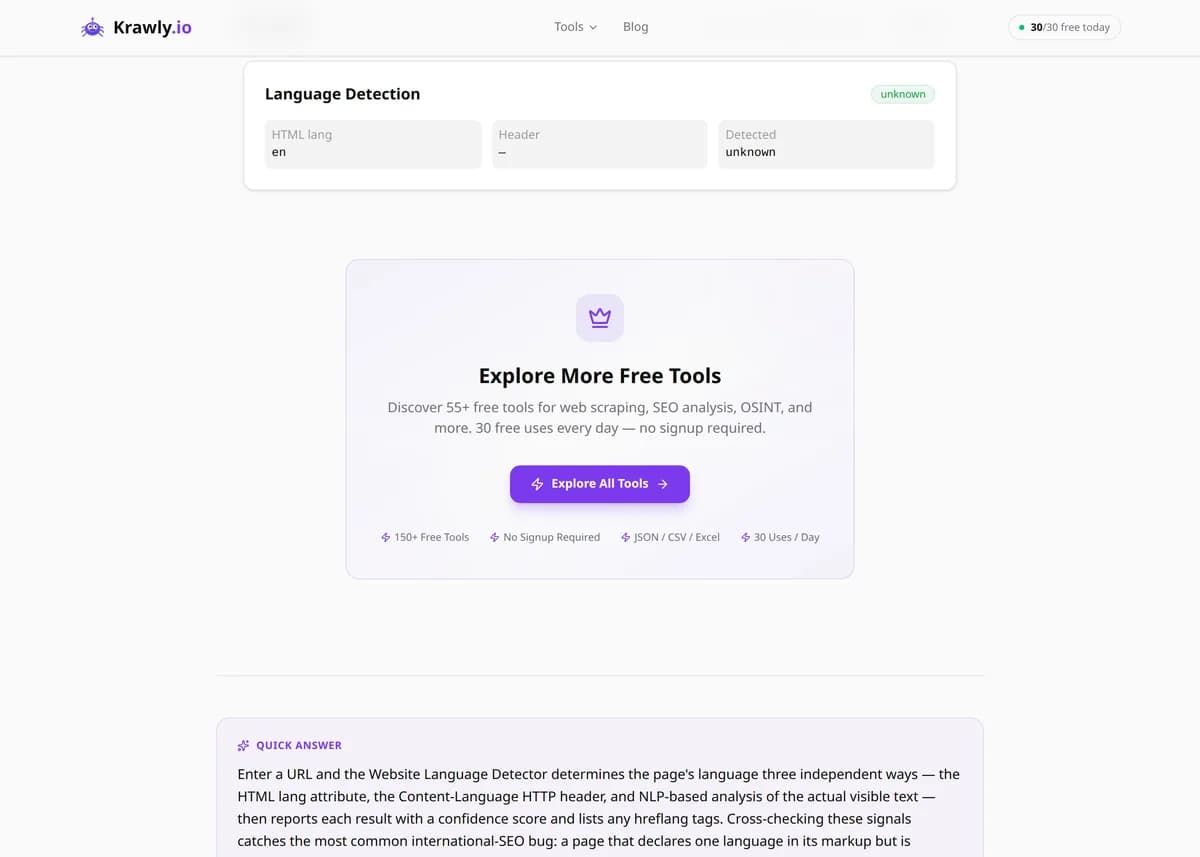
Detect the language of a webpage. Check HTML lang, headers, and NLP-based text detection.
Enter a URL and the Website Language Detector determines the page's language three independent ways — the HTML lang attribute, the Content-Language HTTP header, and NLP-based analysis of the actual visible text — then reports each result with a confidence score and lists any hreflang tags. Cross-checking these signals catches the most common international-SEO bug: a page that declares one language in its markup but is actually written in another, which confuses search engines and browser translation. It's the fastest way to verify a multilingual site is labelling its pages correctly.
63 Free Tools No Signup Required JSON / CSV / Excel 30 Uses / Day
Quick answer
Enter a URL and the Website Language Detector determines the page's language three independent ways — the HTML lang attribute, the Content-Language HTTP header, and NLP-based analysis of the actual visible text — then reports each result with a confidence score and lists any hreflang tags. Cross-checking these signals catches the most common international-SEO bug: a page that declares one language in its markup but is actually written in another, which confuses search engines and browser translation. It's the fastest way to verify a multilingual site is labelling its pages correctly.
What is Website Language Checker?
The Website Language Detector identifies what language a webpage is written in using multiple methods and compares them against each other. It reads the declared signals — the <html lang> attribute and the Content-Language response header — and independently analyzes the page's real text content with natural-language processing to detect the actual language, returning a confidence score. It also lists the page's hreflang annotations. When the declared language and the detected language disagree, you've found a labelling error that can hurt international SEO, break automatic translation, and send the wrong regional version of your site to users.
How to use Website Language Checker
1
Enter the page URL
Paste the URL of the page you want to check. Pages with a substantial amount of body text give the most reliable NLP detection, so prefer article or content pages over sparse landing pages.
2
Compare declared vs detected
The tool shows the declared language (from the HTML lang attribute and Content-Language header) alongside the language its NLP analysis actually detected from the text, each with a confidence figure.
3
Check the confidence score
A high confidence score on the NLP result means the text is clearly in one language. A low score usually signals mixed-language content, very little text, or heavy use of code, names, and numbers rather than prose.
4
Review hreflang and reconcile
Inspect the listed hreflang tags to confirm each language/region variant is mapped correctly, then fix any mismatch — align the HTML lang attribute with the language the page is genuinely written in.
Try it when you need to…
Try it when a translated page is ranking or displaying in the wrong language and you need to find the mislabelled attribute
Try it when auditing a multilingual site to confirm every localized page declares the correct lang and hreflang
Try it when a screen reader or browser translation mispronounces or mistranslates a page and you suspect a wrong lang attribute
Use cases
International SEO — verify each localized page declares the language it's actually written in so Google serves the right version
Content localization QA — catch pages where the translation was published but the lang attribute was never updated
Hreflang audit — confirm language and region variants are correctly cross-referenced across a multilingual site
Compliance and accessibility — ensure the declared language is correct so screen readers pronounce content properly
Multilingual site monitoring — spot pages accidentally serving the wrong language after a CMS or template change
Key features
✓Reads the HTML lang attribute declared in the page markup
✓Checks the Content-Language HTTP response header
✓NLP-based detection of the actual language from the visible text, with a confidence score
✓Lists hreflang tags to reveal the page's declared language/region alternates
✓Flags mismatches between declared and detected language for easy remediation
Tips & best practices
The three signals answer different questions: HTML lang and Content-Language are what the page claims, while NLP detection is what the text actually is. The valuable insight is a disagreement between claim and reality — that's the bug worth fixing.
NLP detection needs a reasonable amount of prose to be reliable. On pages with under ~50 words, or those dominated by product codes, brand names, and numbers, confidence drops and short-text detection can misfire — trust the declared attribute more in that case.
The HTML lang attribute is what screen readers and browser translation use, so an incorrect value causes real accessibility harm (mispronounced content) even if search engines guess the language correctly from the text.
hreflang must be reciprocal: if the English page points to the German page, the German page must point back. This tool lists a single page's hreflang tags, so check both ends when auditing an alternate pair.
Frequently asked questions
The NLP detection is highly accurate for pages with roughly 50 or more words of natural prose, typically identifying the language with high confidence. Accuracy drops on very short pages, pages that mix multiple languages, or content dominated by names, code, and numbers rather than sentences.
The declared language comes from the HTML lang attribute and Content-Language header — what the page author set — while the detected language comes from analyzing the actual text. They differ when a template ships a default lang (often 'en') that was never updated for a translated page, which is exactly the error this tool is designed to surface.
The lang attribute on the <html> element tells browsers, screen readers, and search engines what language the page is in. Screen readers use it to choose the correct pronunciation, and browsers use it to offer translation. An incorrect value degrades accessibility even if the visible text is fine.
hreflang tags tell search engines about alternate language or region versions of a page, so Google can serve the German version to German users and the English version to English users. Correct, reciprocal hreflang prevents the wrong regional variant from ranking and stops duplicate-content issues across localized pages.
It will detect the dominant language of the visible text and usually return a lower confidence score to signal the mix. NLP language detection assigns a single primary language, so bilingual pages will show reduced confidence — a useful hint that the content isn't cleanly one language.
No. Any public webpage works. The tool reads whatever HTML the URL returns, extracts the visible text for NLP analysis, and inspects the markup and headers, so it functions on standard HTML pages regardless of the CMS or framework behind them.
Paste the page URL and the tool reports the declared language from the HTML lang attribute and the Content-Language header, plus any hreflang alternates. It then reads the visible text to detect language independently, with a confidence score, so you can see at a glance whether the page's settings match the language it is actually written in.