Analysis Free · no signup

Ad Network Detector

Detect advertising networks on a page: AdSense, DoubleClick, Media.net, Taboola, and 25+ others.

Paste a URL and the Ad Network Detector scans the page's scripts, iframes, and network requests for the signatures of 30+ advertising networks — Google AdSense, Google Ad Manager (DoubleClick), Media.net, Amazon Publisher Services, Criteo, Taboola, Outbrain, and more — then also fetches the domain's /ads.txt file to reveal every authorized seller. In one report you learn exactly how a site is monetized and which ad partners it works with. It's the fastest way to reverse-engineer a competitor's ad stack or audit your own for unexpected networks.

Updated Krawly Editorial TeamIn-house engineers, writers & reviewers
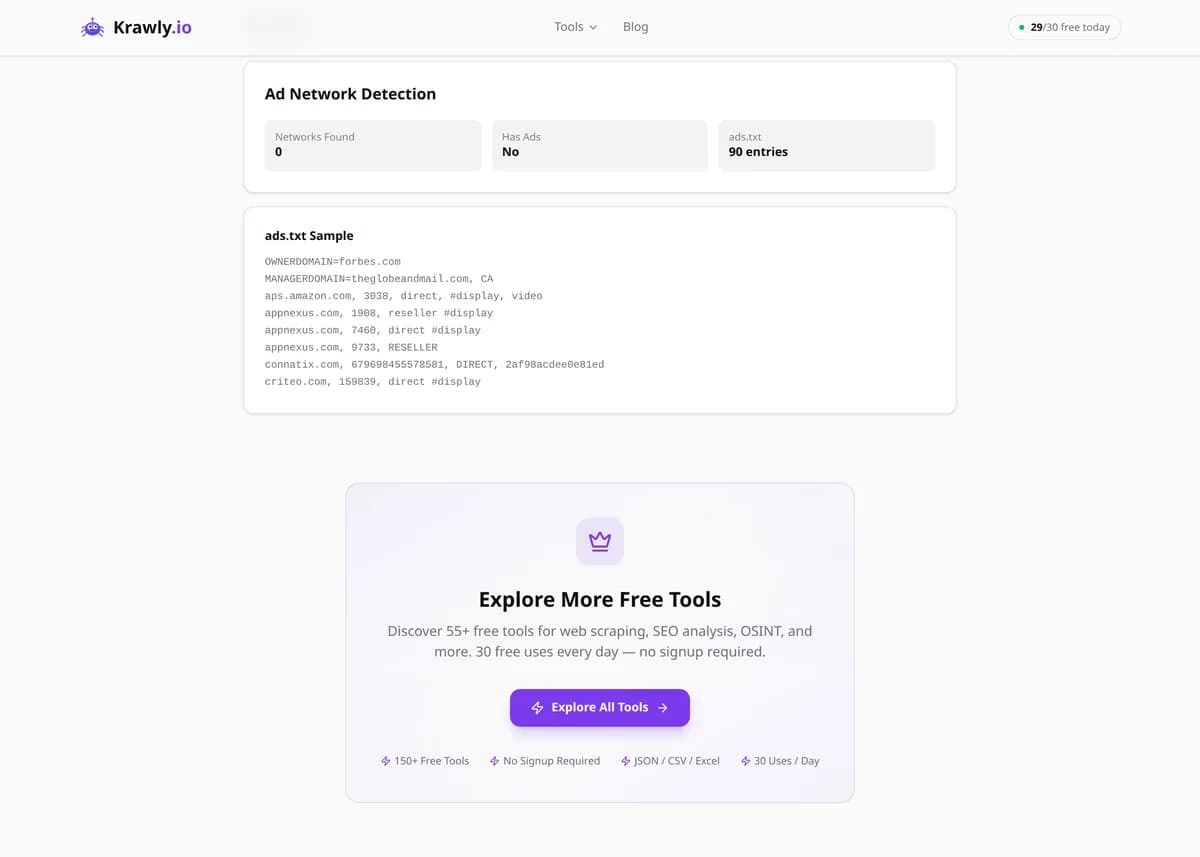
Explore More Free Tools

Discover 150+ free tools for web scraping, SEO analysis, OSINT, and more. 30 free uses every day — no signup required.

150+ Free Tools No Signup Required JSON / CSV / Excel 30 Uses / Day
Quick answer

Paste a URL and the Ad Network Detector scans the page's scripts, iframes, and network requests for the signatures of 30+ advertising networks — Google AdSense, Google Ad Manager (DoubleClick), Media.net, Amazon Publisher Services, Criteo, Taboola, Outbrain, and more — then also fetches the domain's /ads.txt file to reveal every authorized seller. In one report you learn exactly how a site is monetized and which ad partners it works with. It's the fastest way to reverse-engineer a competitor's ad stack or audit your own for unexpected networks.

What is Ad Network Detector?

The Ad Network Detector inspects any web page for the fingerprints of known advertising networks — the specific script domains, iframe sources, and global JavaScript variables each network injects — and cross-checks the site's ads.txt file to list its authorized ad sellers. It tells you not just that a page shows ads, but precisely which supply-side platforms, ad exchanges, and header-bidding partners power them. Publishers, ad-tech analysts, and competitive researchers use it to map monetization stacks, verify their own ads.txt is correct, and spot rogue or unauthorized networks loading on a page.

How to use Ad Network Detector

  1. 1

    Enter the page URL

    Paste the full URL of the page you want to inspect. Article and homepage URLs of ad-supported publishers surface the richest results, since that's where the most ad slots load.

  2. 2

    Scan for network signatures

    The tool parses the page's scripts, iframes, and request URLs and matches them against a database of 30+ ad network fingerprints, reporting each detected network with the exact source URL that gave it away.

  3. 3

    Review the ads.txt findings

    In parallel it fetches the domain's /ads.txt file and lists the authorized sellers declared there. Comparing detected networks against ads.txt entries exposes gaps — networks loading on-page that aren't declared, or declared partners that never appear.

  4. 4

    Interpret the monetization stack

    Use the combined list to understand the site's setup: a direct AdSense tag signals a smaller publisher, while Google Ad Manager plus multiple header-bidding partners (Criteo, Media.net, Amazon) signals a larger, professionally-managed ad operation.

Try it when you need to…

  • Try it when you want to see which ad networks and header-bidding partners a competitor uses to monetize
  • Try it when you need to confirm your own ads.txt matches the networks actually serving ads on your site
  • Try it when a suspicious or low-quality ad appears on a page and you need to trace which network delivered it

Use cases

  • Ad intelligence — map exactly which networks and exchanges a publisher runs to benchmark your own monetization
  • Competitor research — reverse-engineer a rival site's header-bidding partners and demand sources
  • ads.txt audit — verify your own ads.txt declares every network actually serving on your pages and nothing rogue
  • Publisher due diligence — check a site before a media buy or partnership to confirm its stated ad partners are real
  • Brand-safety review — detect low-quality or unexpected ad networks loading alongside your content

Key features

Detects 30+ ad networks including Google AdSense, Google Ad Manager/DoubleClick, Media.net, Amazon Publisher Services, Criteo, Taboola, and Outbrain
Fetches and parses the domain's /ads.txt file to list every authorized seller
Reports the exact source URL (script or iframe) that triggered each detection for verification
Distinguishes direct ad tags from header-bidding and supply-side platform integrations
No API keys required — works from the public page HTML and the public ads.txt file

Tips & best practices

A network appearing in ads.txt but not in the scan doesn't mean it's inactive — many partners are called only through header bidding or lazy-loaded slots that fire on scroll, after the initial page load the tool sees.

Conversely, a script detected on-page that is missing from ads.txt is worth investigating: it can indicate an unauthorized reseller, a stale tag, or a network the site owner forgot to declare, which hurts programmatic revenue.

ads.txt lines marked DIRECT mean the publisher sells inventory to that network directly; RESELLER means a third party is authorized to resell it. The mix tells you how the site's demand is sourced.

Single-page apps and consent-gated (GDPR/CMP) pages may hold ads back until a cookie banner is accepted, so a first scan can under-report. Sites behind a strict consent wall will show fewer networks than they actually run.

Frequently asked questions

It recognizes 30+ networks including Google AdSense, Google Ad Manager (DoubleClick), Media.net, Amazon Publisher Services, Criteo, Taboola, Outbrain, Index Exchange, PubMatic, and many other SSPs and exchanges, by matching their script and iframe signatures.

ads.txt (Authorized Digital Sellers) is a public text file at a domain's root that lists which companies are allowed to sell that site's ad inventory. It exists to stop domain spoofing and unauthorized reselling, so buyers can confirm they're purchasing genuine inventory. Detecting it reveals a publisher's official ad partners.

ads.txt lists every authorized seller, but not all of them fire on every page view. Header-bidding partners, lazy-loaded ad slots, and demand called only under certain conditions may not appear in a single snapshot scan even though they're legitimately part of the stack.

Partially. Many sites governed by GDPR delay ad scripts until the user accepts a consent banner, so a scan may see fewer networks than the site actually runs. The ads.txt file, which is public and unconditional, still gives you the full authorized-seller list regardless of consent.

No. Detecting AdSense, Ad Manager, or header-bidding partners is completely normal for an ad-supported site. The report is diagnostic — it becomes actionable only when you compare it against ads.txt and find undeclared scripts or unexpected low-quality networks.

No. The detector works entirely from the page's public HTML and the publicly accessible /ads.txt file, so no keys, logins, or paid ad-intelligence subscriptions are required.